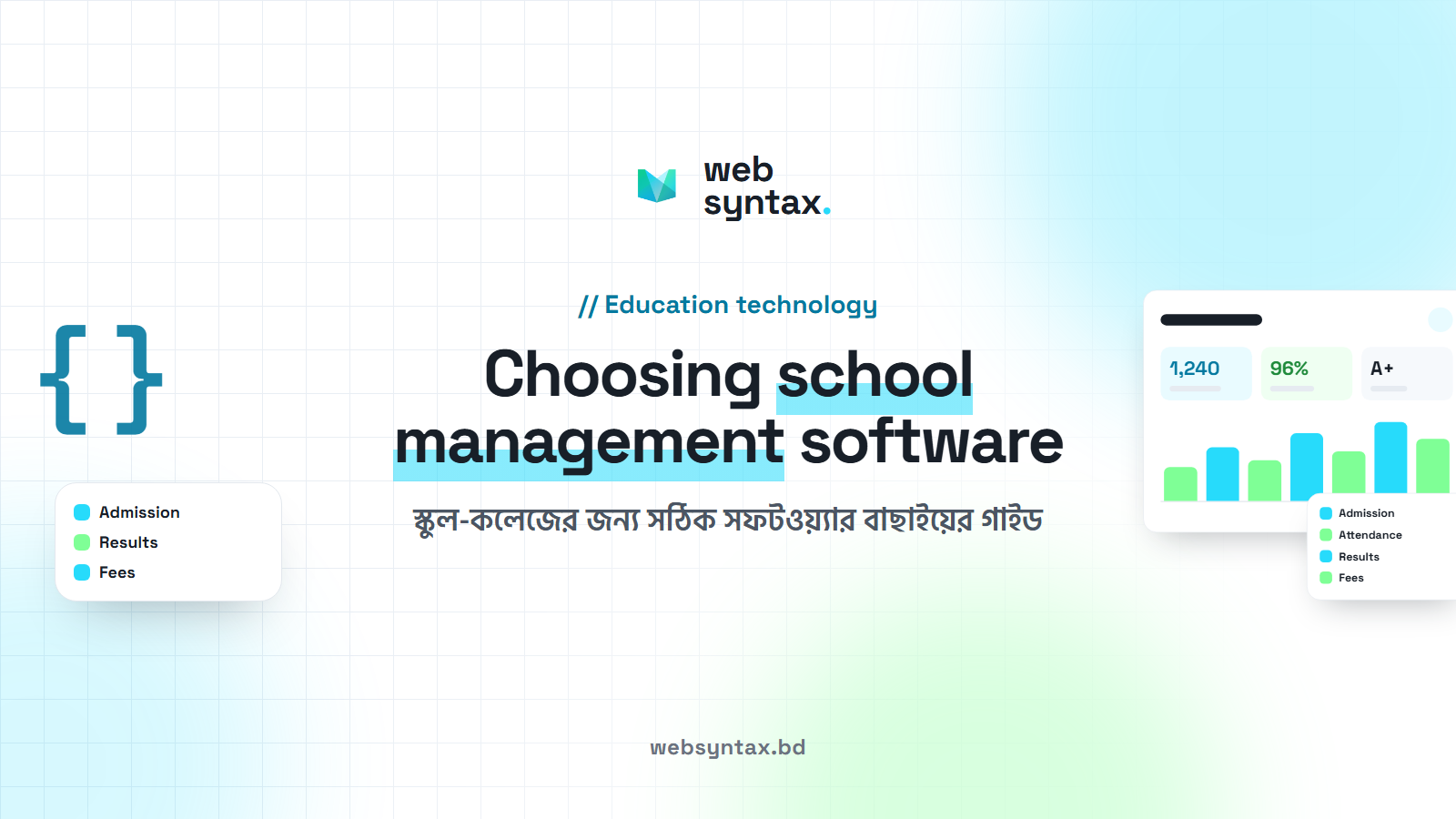
Running a school is more than teaching. Every day there are students to manage, attendance to take, exams to hold, fees to collect and guardians to keep informed. In most schools, admissions sit in one register, attendance in another, results in a spreadsheet and notices on paper. Information gets scattered, mistakes creep in and teachers lose hours to paperwork.
School management software brings all of this into one place. Here is what it should do, and how to choose the right one for your school.
What school management software should do
A good system covers the whole school year, from the first day of admission to the final result:
- School website and digital campus: one home for the school's profile, activities, notices and online services.
- Students and admission: online admission, student profiles, personal details and academic records.
- Classes and academics: classes, sections, subjects, class routines and day-to-day academic work.
- Digital attendance: for students, teachers and staff, stored and easy to follow.
- Exams and results: exam schedules, marks, grading, and preparing and publishing results.
- Fees and payments: monthly fees, other charges, payments, dues, receipts and financial records.
- Teachers and staff: their details, responsibilities and the records you need.
- Notices and communication: notices, announcements and updates that reach the right people.
Beyond the office: teachers, students and guardians together
Many systems stop at office work. A school is more than its office, so look for software that also connects the classroom and the home through a portal for teachers, students and guardians:
- teachers, students and guardians talk to each other in one place;
- students see class lessons and learning materials, and teachers share notes and homework;
- attendance and exam results can be followed;
- notices, announcements and updates arrive where people already look;
- guardians stay informed about their child's progress.
Guardians then stay part of daily learning, not only when they visit the school or make a phone call.
Questions to ask before you choose
Many systems look similar in a demo. These questions show the real difference:
- Does it cover our whole year? Check admissions, attendance, exams, results and fees in one system, not several tools stitched together.
- Does it match our result format? Grading and results follow set rules. The software should follow your school's own format.
- Does it reach guardians? A portal where guardians see attendance, results, notices and progress saves the office many phone calls.
- Is it more than office software? Lessons, notes and homework keep teachers and students connected after class.
- How safe is our data? Ask where the data is kept, who can see what, and how backups are made. Each user should only see what their role allows.
- What support do we get? Training for staff, help during exam season and a clear way to ask for changes matter as much as features.
Switching without disruption
The best time to start is before a new session or term. A smooth start usually looks like this:
- enter the current students, classes, subjects and fee structure;
- train the office staff first, then the teachers, in short sessions;
- run attendance and fees in the system for a few weeks before the first exam;
- open the portal to guardians once the information in it is complete.
Within one term, most schools find the office work lighter and results day far calmer.
Web Campus by Web Syntax
Web Campus is our complete school management system. It brings the office, the classroom and the guardians onto one connected platform: a school website and digital campus, online admission, digital attendance, exams and results, fees and payments, teacher and staff records, notices, and a portal for teachers, students and guardians with lessons, notes, homework and progress.
A smart school is a connected school. See Web Campus and request a demo there, or visit webcampus.bd.